Put Agents to work on your AI search data.
An Agent is a set of instructions Quotable Agent runs on its own: every week, or the moment a metric moves. Each run reads your AI search data and comes back as a report you can reply to.
Give the recurring work to an Agent, and read what it found.
Write the brief once and decide when it runs. Each run reads your AI search data and lands as a report you can reply to.
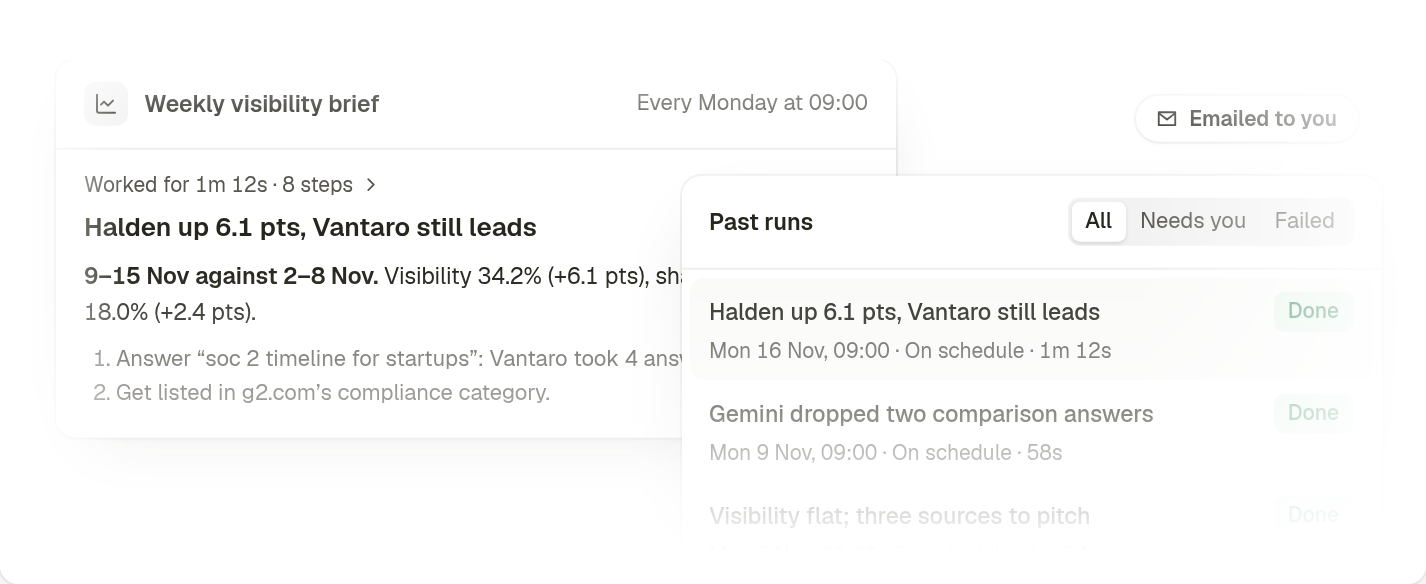
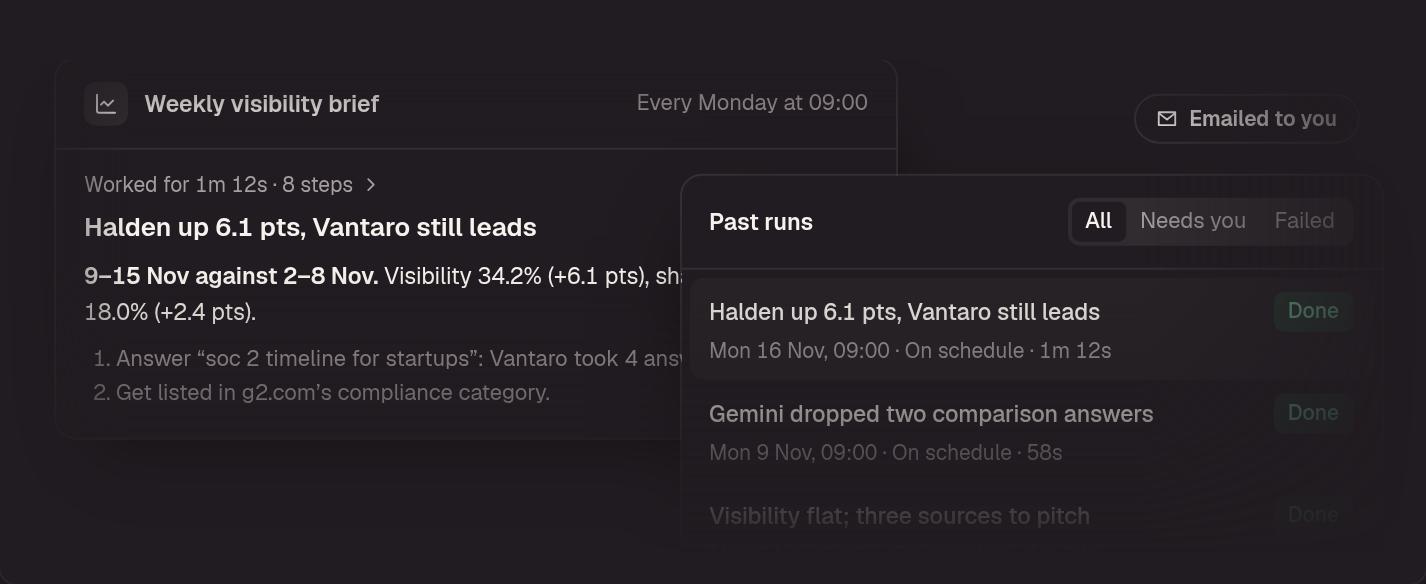
Get the weekly read without writing it
Pick a day and a time, and your Agent runs on its own. The brief is waiting on Monday morning, and in your inbox if you want it there.
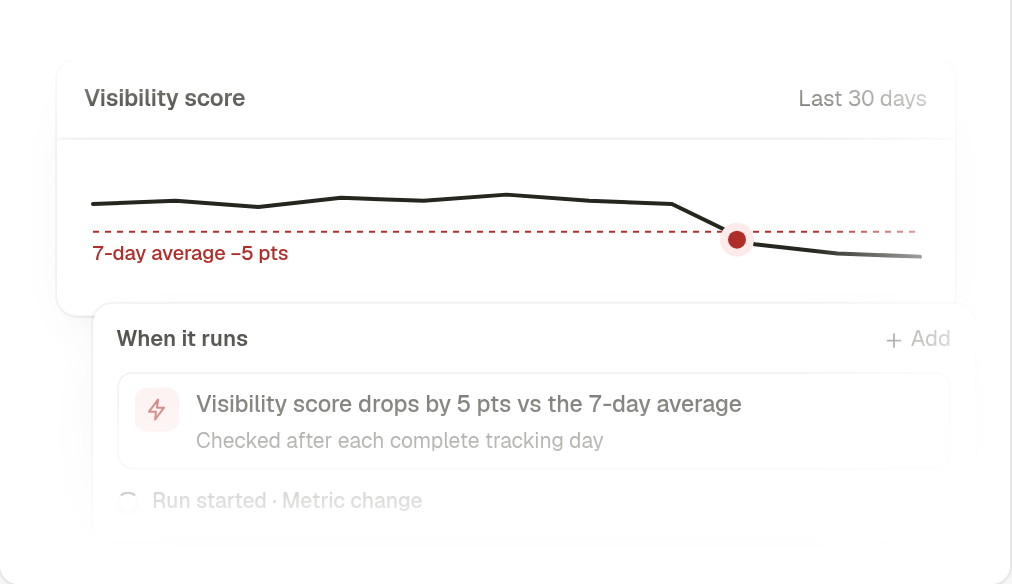
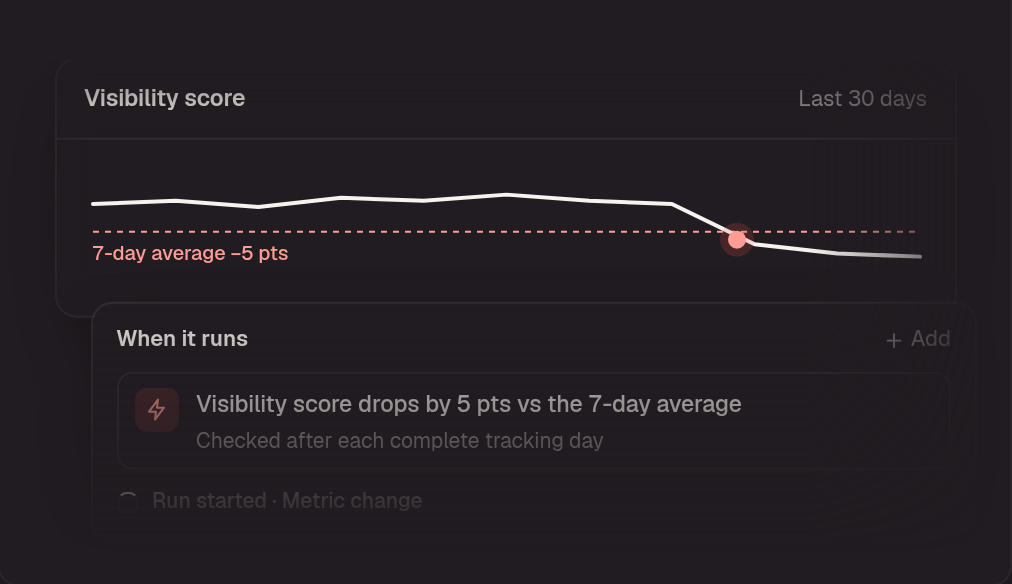
Hear about a drop the day it lands
Set a line for visibility, mention rate or share of voice. When the number crosses it, your Agent starts and looks for why.
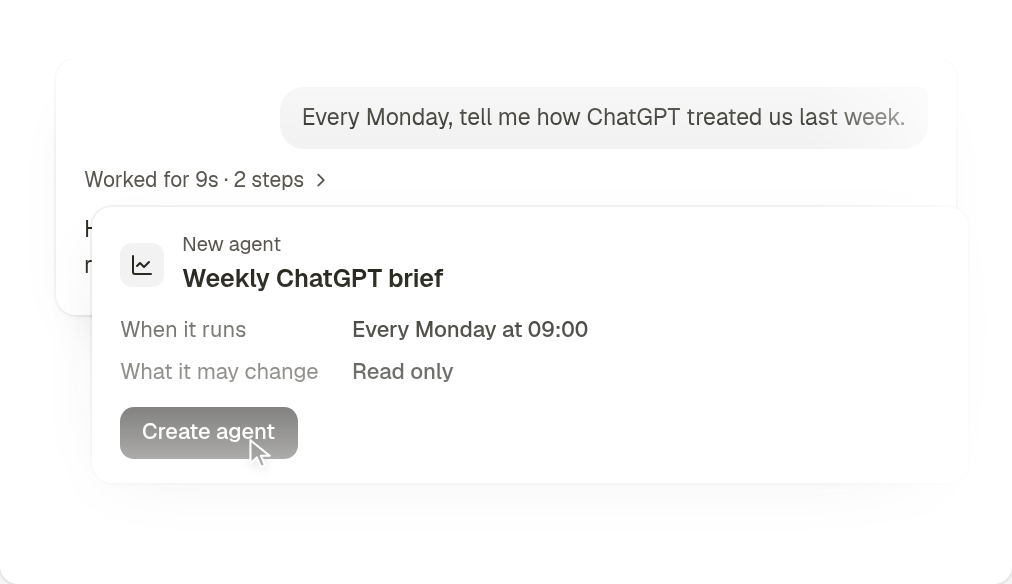
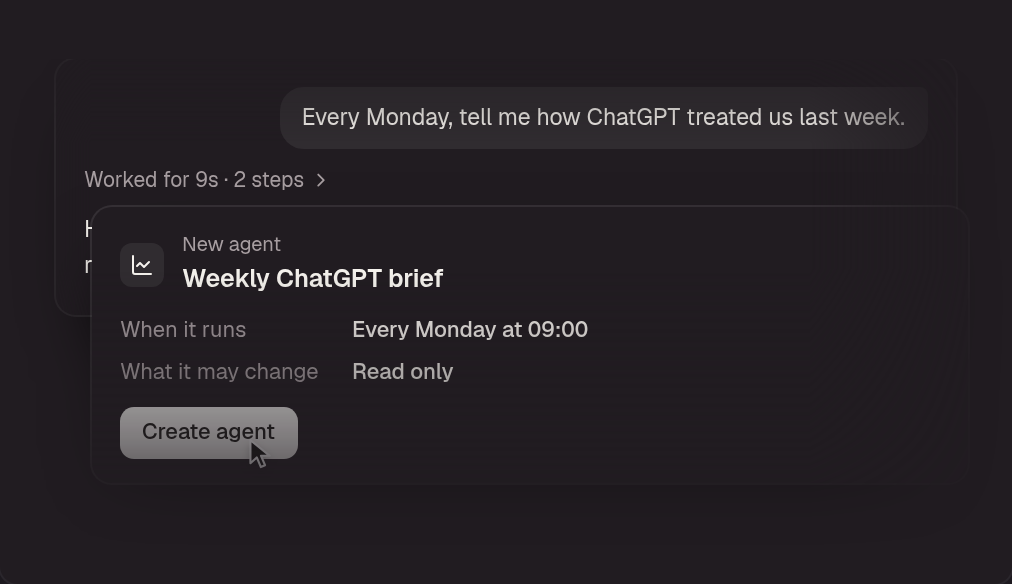
Describe it, and it drafts itself
Say what should run and when. Quotable Agent writes the Agent for you, and nothing is saved until you create it.
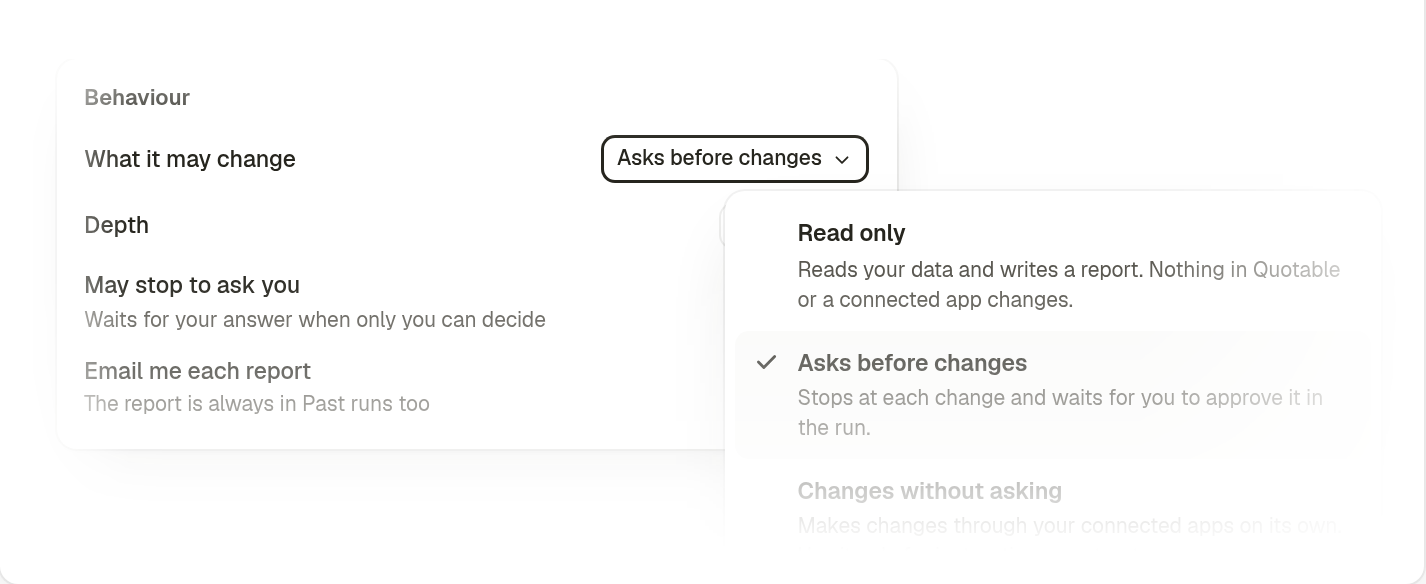
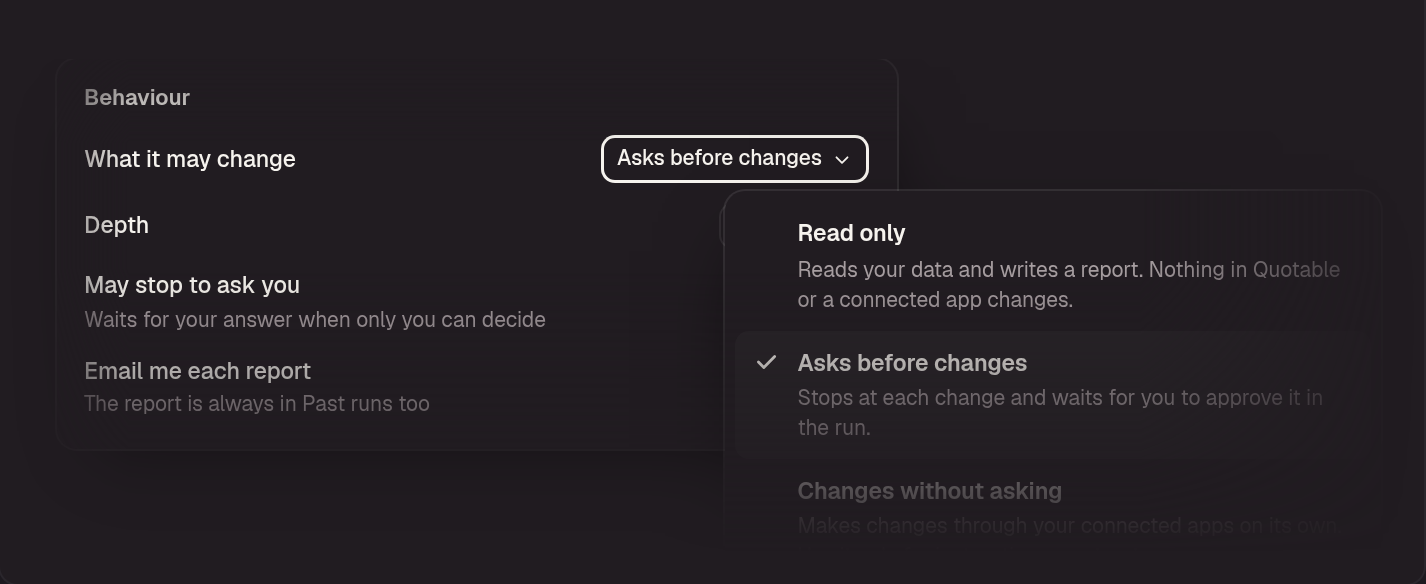
Decide what it may touch
Keep it to reading and reporting, or let it make changes in your connected apps. In between, it stops at each change and waits for your yes.
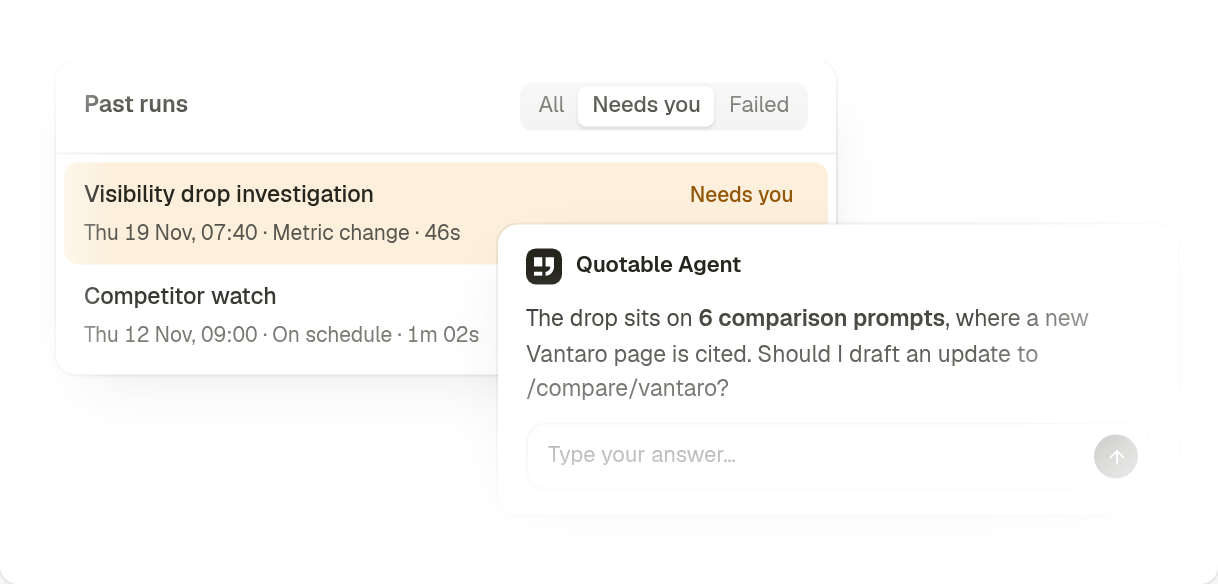
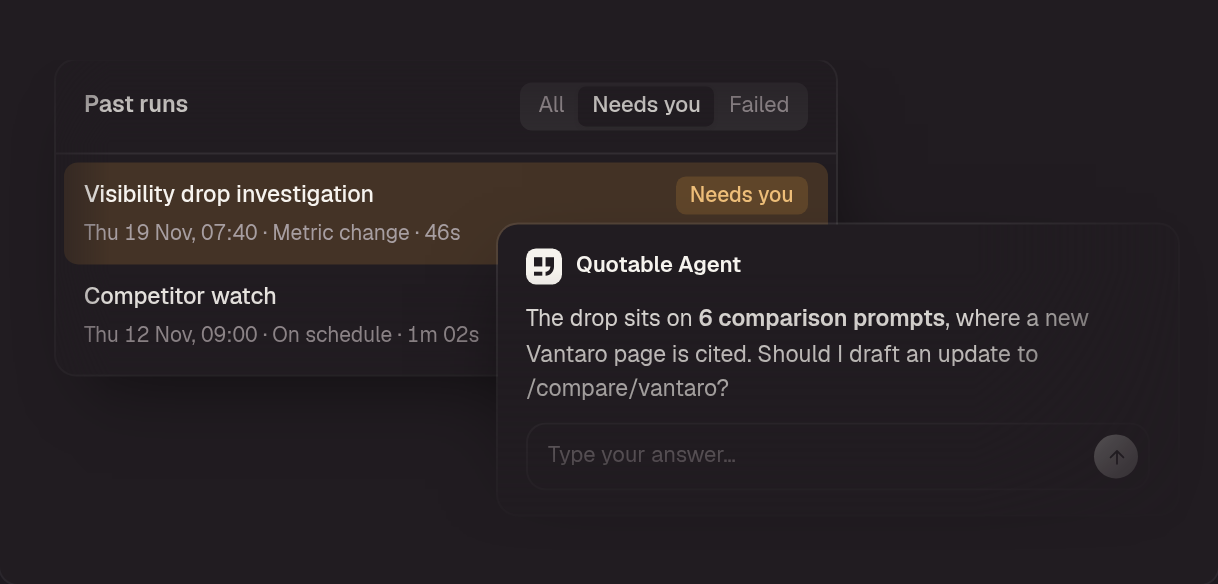
Step in only when it asks
A run that hits a question waits as Needs you. You get a notification, answer in the run, and it carries on from there.
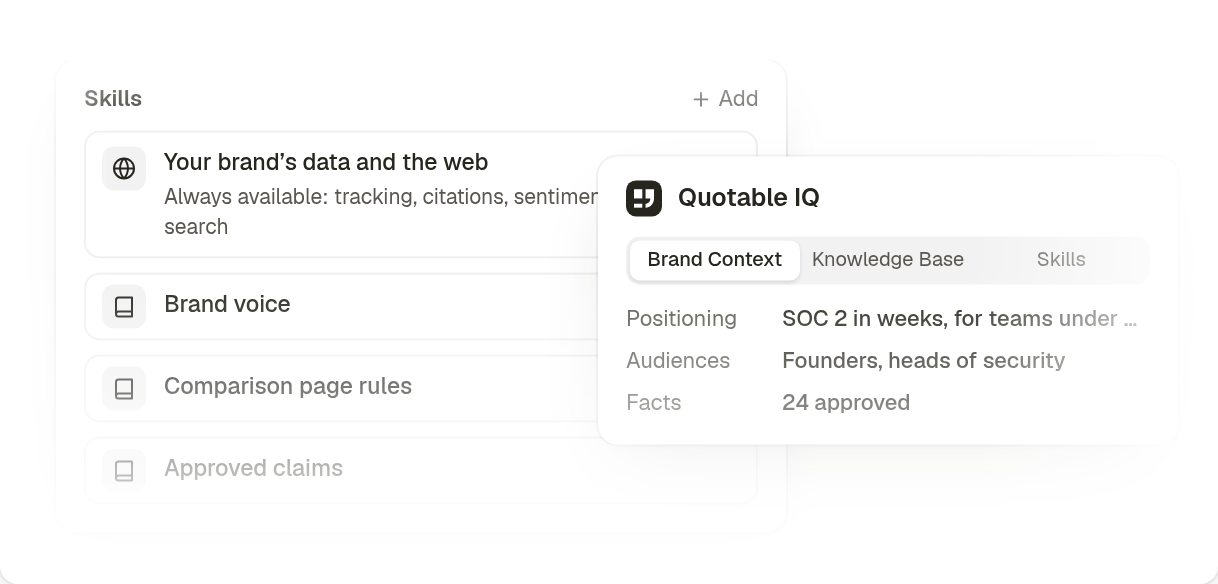
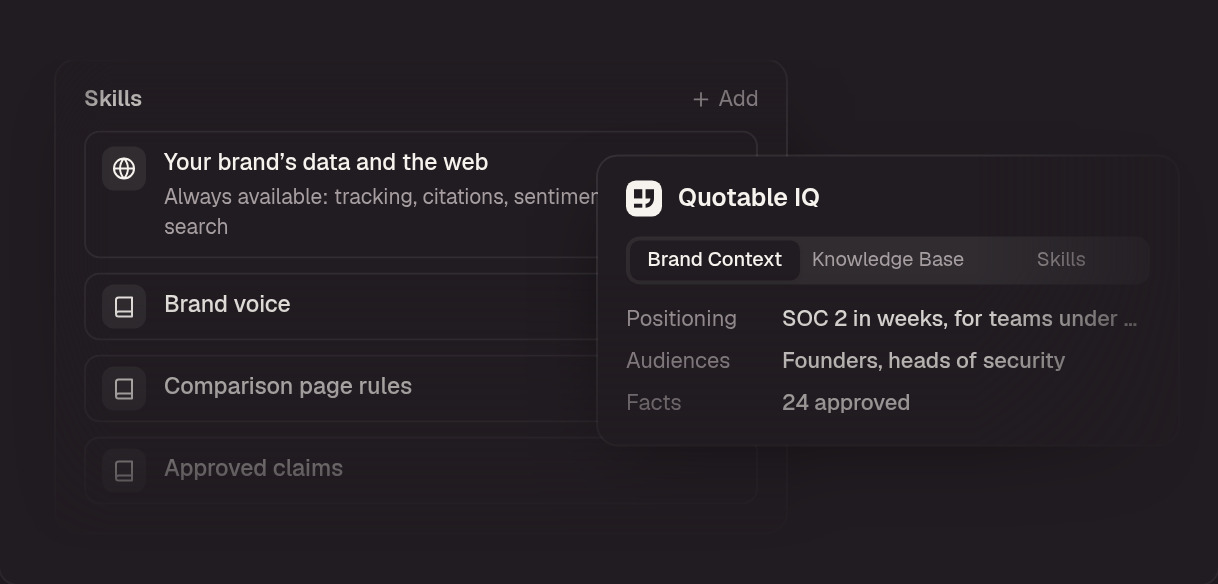
Reports in your brand's terms
Every run reads the brand context in Quotable IQ. Attach up to three Skills, and each report follows your voice and your rules.


Get started with ready-to-use Agents
Choose a template, read the instructions it comes with, and change the schedule or the wording before you save it.
Weekly visibility brief
A Monday morning read on how AI answers treated your brand last week, and what to do about it.
Every Monday
Use templateCompetitor watch
Which competitor gained ground in AI answers this week, and the sources carrying them.
Every Thursday
Use templateSource gap sweep
The domains AI engines cite for competitors but never for your brand: your outreach list.
Every Tuesday
Use templateSentiment and facts check
A Friday check on how AI engines describe your brand, and any claim that is wrong.
Every Friday
Use templateMonthly opportunities review
On the first of the month: what the team shipped, whether it moved anything, and what is stuck.
First of the month
Use templateVisibility drop investigation
Runs only when visibility falls. It finds the prompts, engines and sources behind the drop.
When visibility drops
Use template
Put your AI search strategy into action.
Set up Agents that watch your visibility, competitors and sources for you, and report back with what changed and what to do next.
Frequently Asked
What is an Agent in Quotable?
An Agent is a set of saved instructions that Quotable Agent runs on its own, on a schedule or when a tracking metric moves. Each run reads your AI search data and comes back as a report you can reply to.
What can I use Agents for?
Work you would otherwise repeat by hand: a weekly visibility brief, a competitor watch, a sweep of the sources that cite competitors and never you, a check of how AI engines describe your brand, or an investigation that starts when visibility falls. Each run can read your tracking data, citations and sentiment, and search the web.
What is the difference between Agents and Quotable Agent?
Quotable Agent is the conversation you open to investigate a question. An Agent is work Quotable Agent repeats without being asked. Every run of an Agent is an ordinary Quotable Agent conversation, so you can reply to it and keep going.
Do I need coding skills to build an Agent?
No. Describe what should run and when, and Quotable Agent drafts the Agent for you. Nothing is saved until you create it. You can also write the instructions yourself or start from a template.
Can Agents run automatically?
Yes. An Agent runs every day, every weekday, every week or every month, at a set time in your workspace's time zone. It can also start when your visibility score, mention rate or share of voice drops, rises, falls below or rises above a level you set. You can run any Agent by hand as well.
Can an Agent change things without asking me?
Only if you allow it. Each Agent has one of three settings: Read only, Asks before changes, or Changes without asking. You can also let an Agent stop to ask you a question. A run that is waiting for you shows as Needs you.
How do Agents use my brand’s information?
Agents work from the brand context you keep in Quotable IQ, the same context Quotable Agent reads. You can also attach up to three Skills to an Agent, and each run follows them.
What are Tables?
Tables run Agents in bulk. Each row is an input, such as a page, topic, or prompt, and each column can be an Agent whose output feeds the next column. Every intermediate result is visible and editable.
What does an Agent run cost?
Runs draw on your plan's monthly credits. A deeper run uses more credits than a standard one. If the credits are used up, the run is skipped and shown as Skipped.
Does using Agents guarantee more AI citations?
No. Agents help you see what changed, find the sources and prompts that matter, and decide what to do next. AI platforms determine which sources they cite. You can monitor subsequent answers in Quotable to see how your mentions and citations change.